

Machine embroidery
StitchPack
Validate, organize and package embroidery designs.
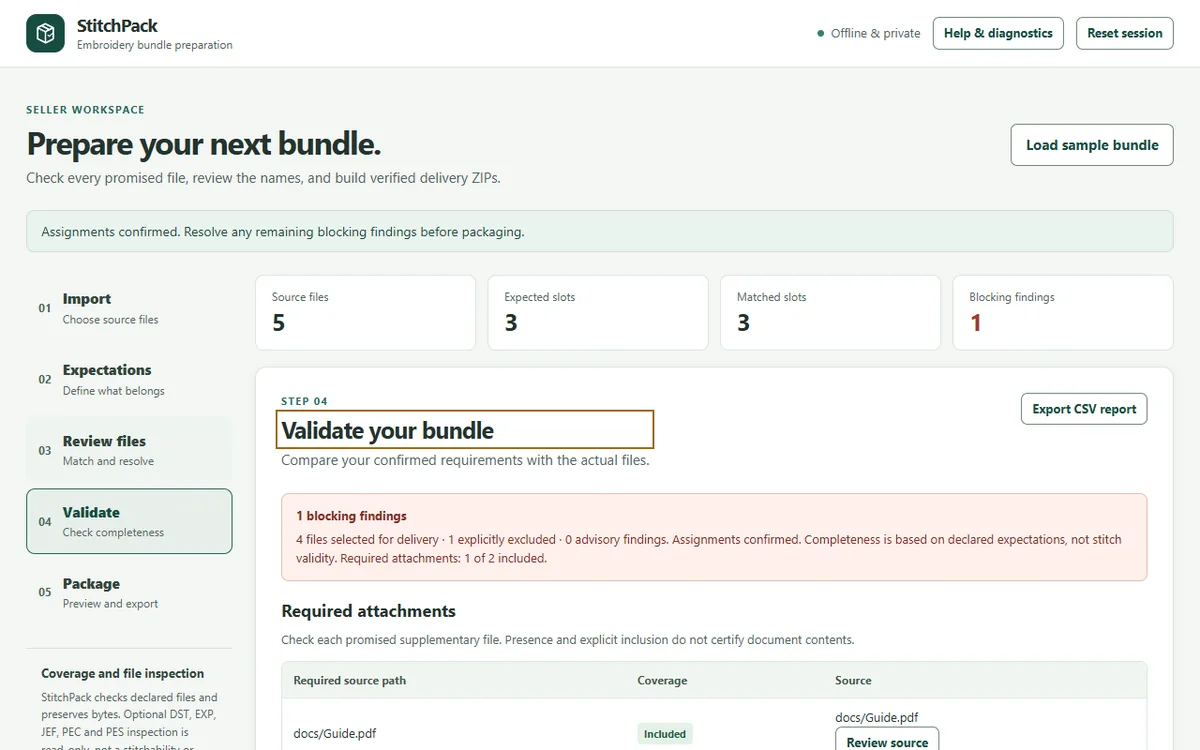
For machine-embroidery designers who sell bundles in several sizes and machine formats. StitchPack checks that every promised file is there, catches packaging mistakes and builds customer-ready ZIPs without changing your originals.
- Status
- In development · coming to Gumroad
- Price
- To be announced
Workflow
How it works
- 01
Import
Add a folder, individual files or several ZIPs of finished embroidery files.
- 02
Declare the bundle
List the designs, sizes and formats you promise, with presets for alphabets and required extras such as instructions.
- 03
Review and validate
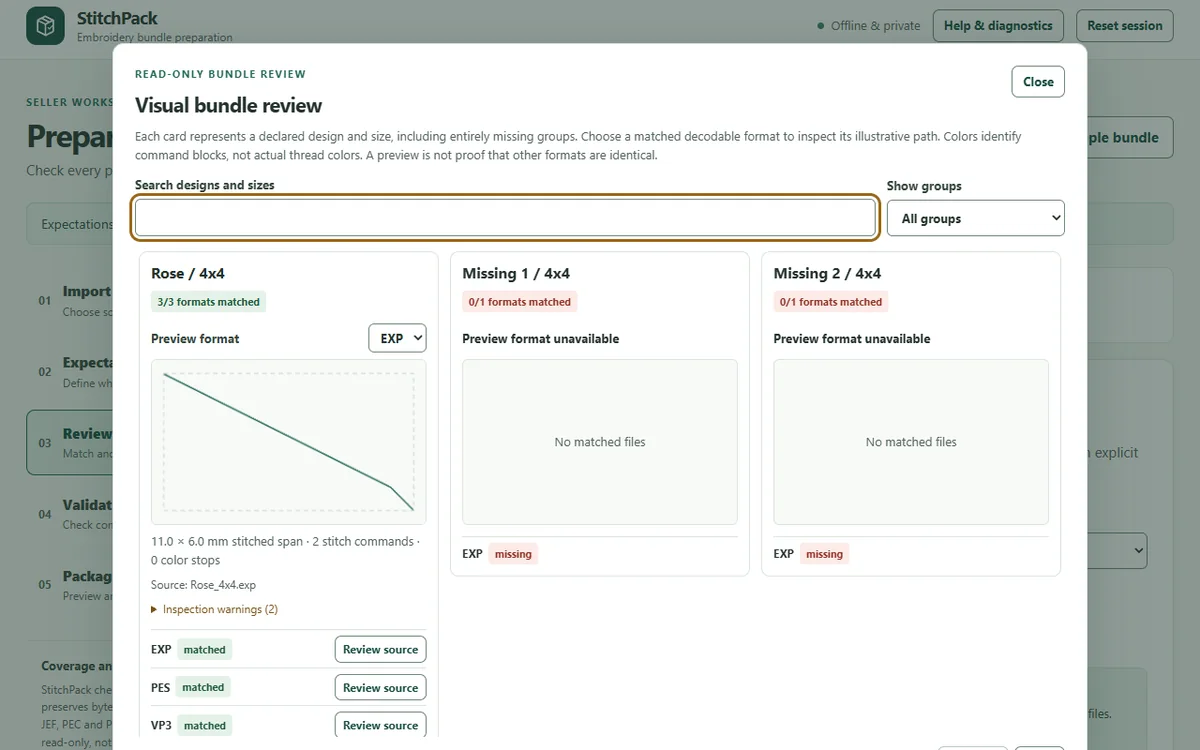
See missing combinations, duplicates and conflicts before anything ships.
- 04
Package
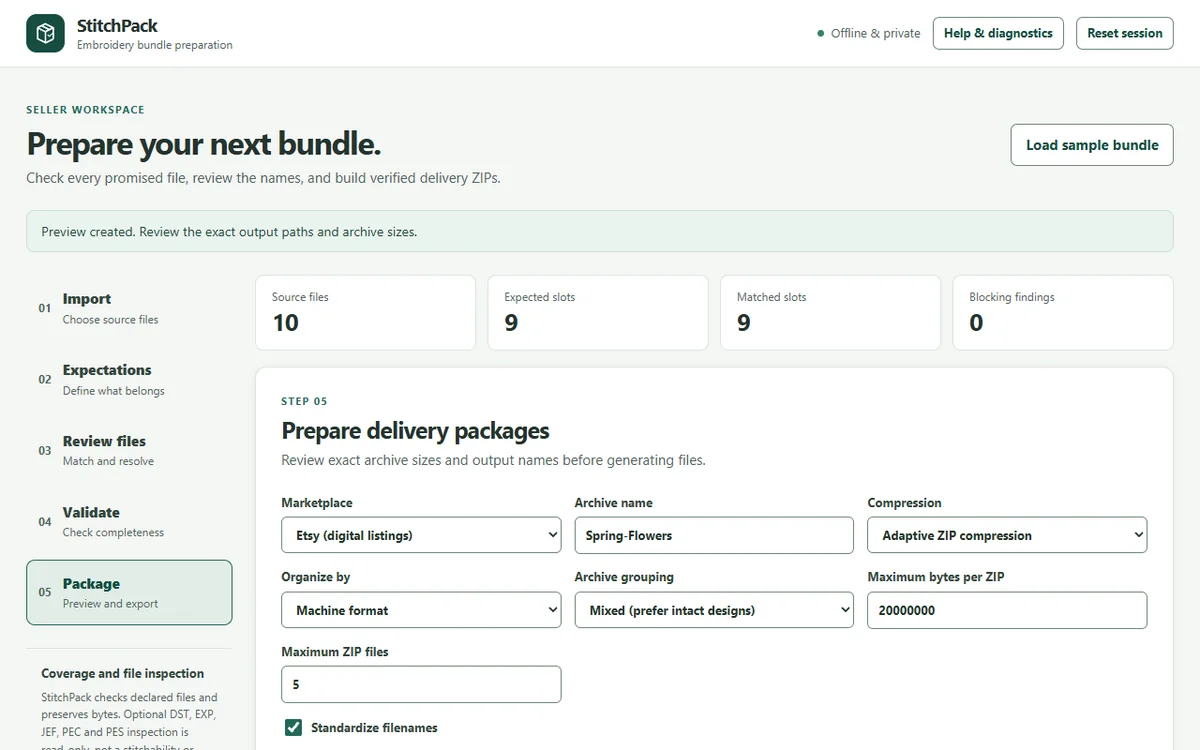
Build ZIPs for Etsy or custom size limits, split by format, design or size, with your own naming.
Screens
A closer look
Requirements
What you need
- Windows with Chrome or Edge
- No installation, account or internet connection
- Read-only inspection of DST, EXP, JEF, PEC and PES files
Scope
What it doesn’t do
StitchPack is not an embroidery editor, converter or stitch simulator. File inspection is read-only and is not a machine-compatibility certification.